Find the hit
in the noise.
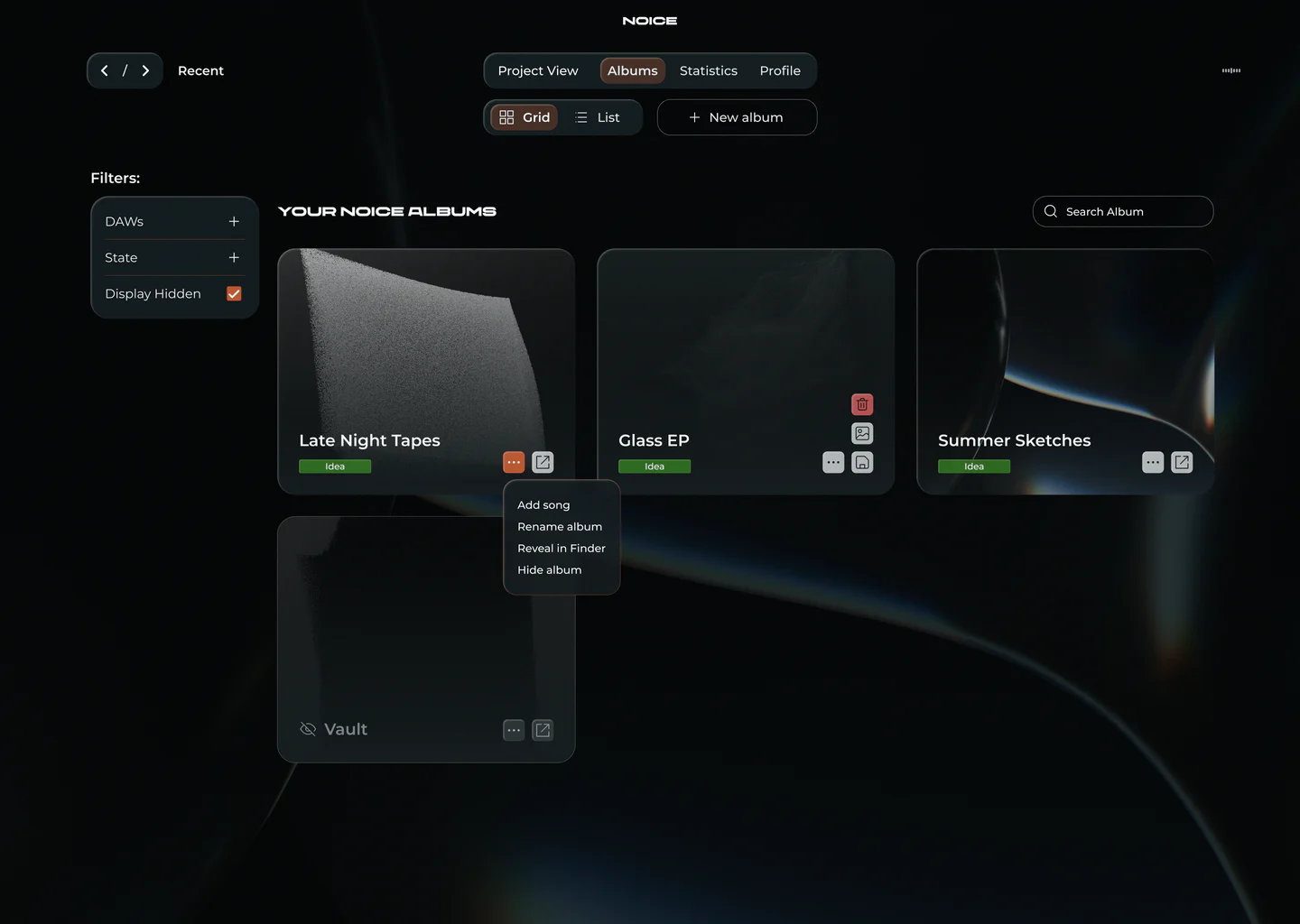
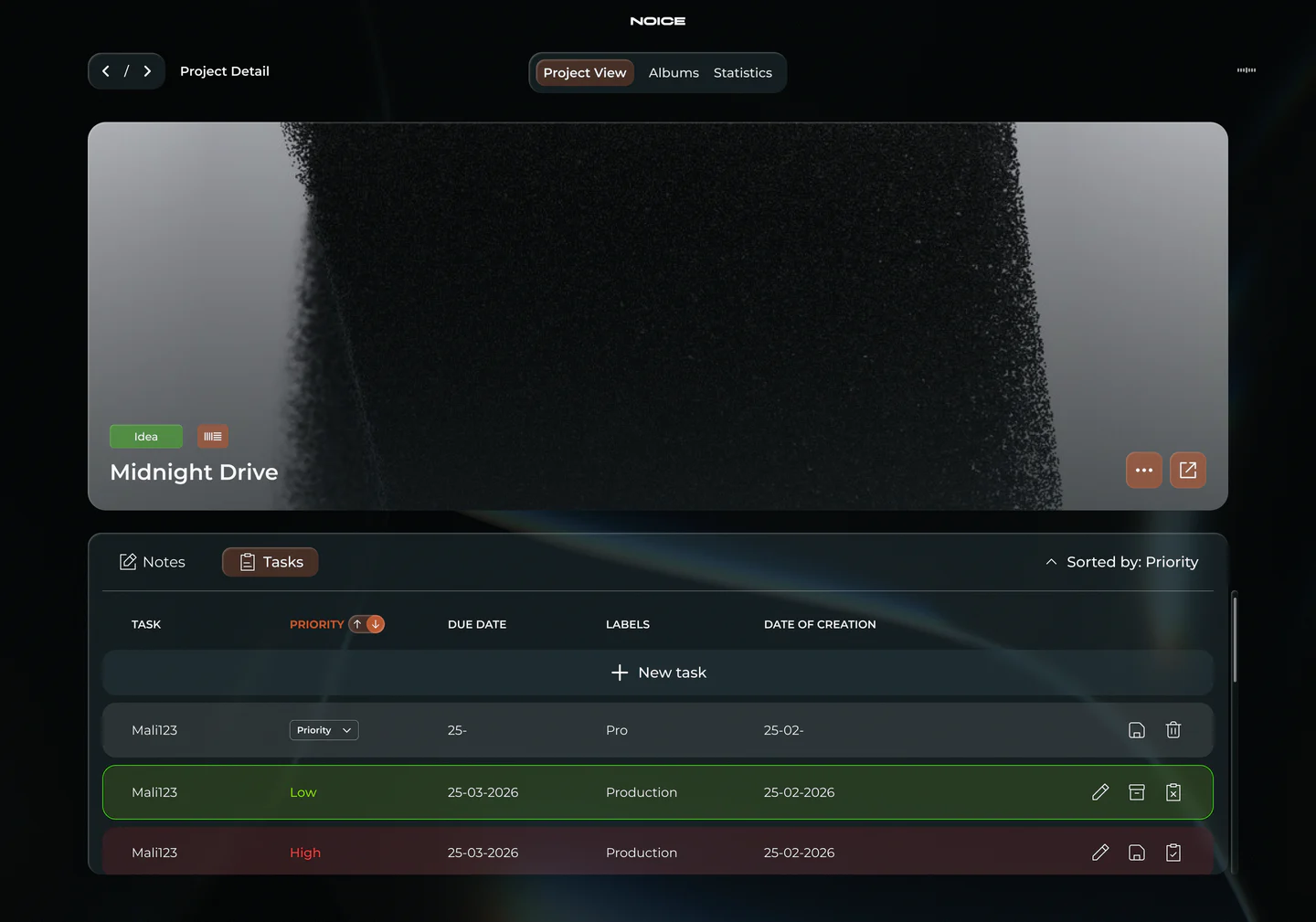
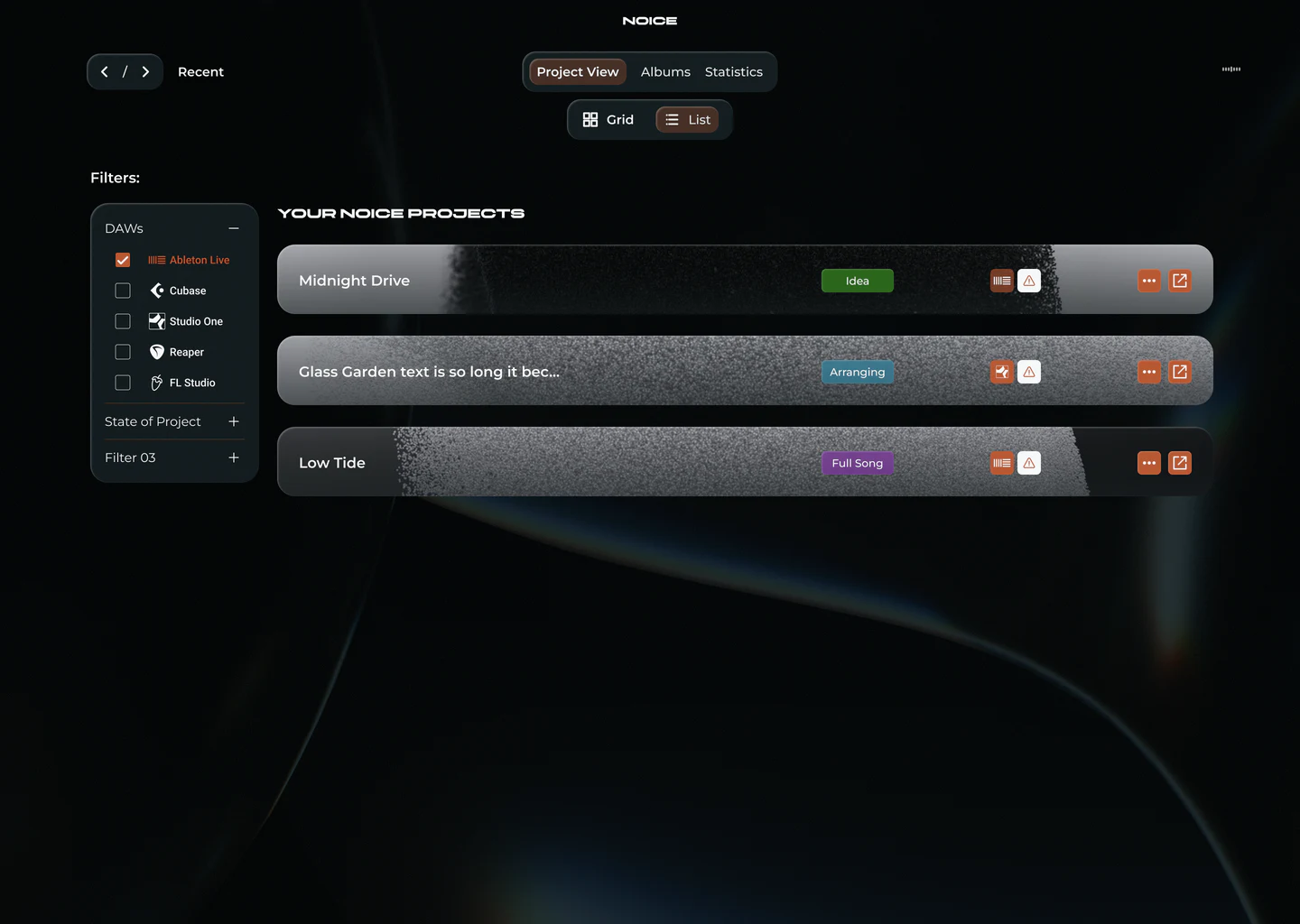
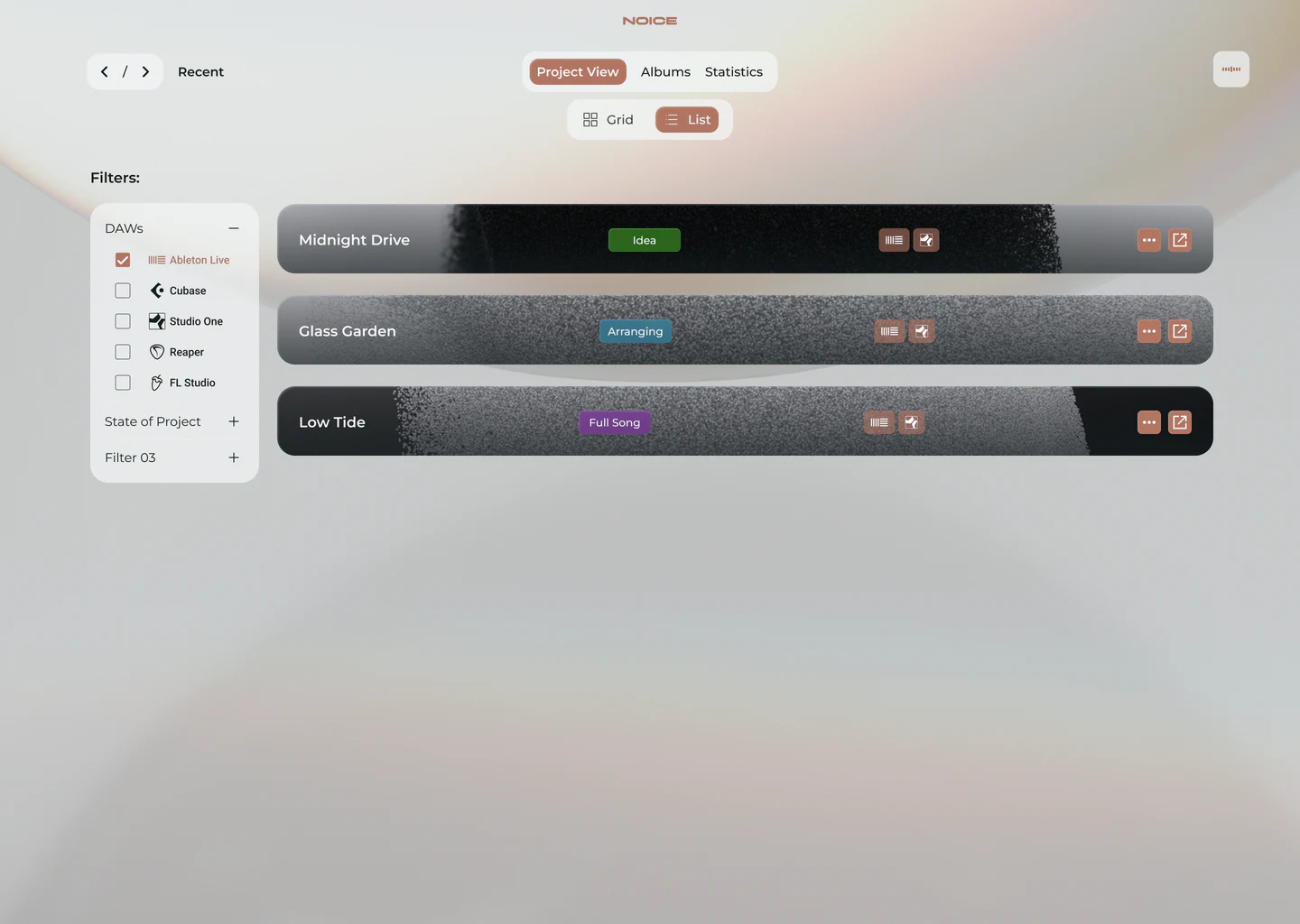
NOICE scans Ableton, FL Studio, Cubase, Reaper and Studio One, and filters every project you ever started into one dashboard — searchable, tagged and ready to play.
Five DAWs.
A hundred folders.
One filter.
Ableton, Cubase, Studio One, Reaper and FL Studio — NOICE scans them all and drops every project into one visual library.
Tune in.
-
60 Hz
Find it
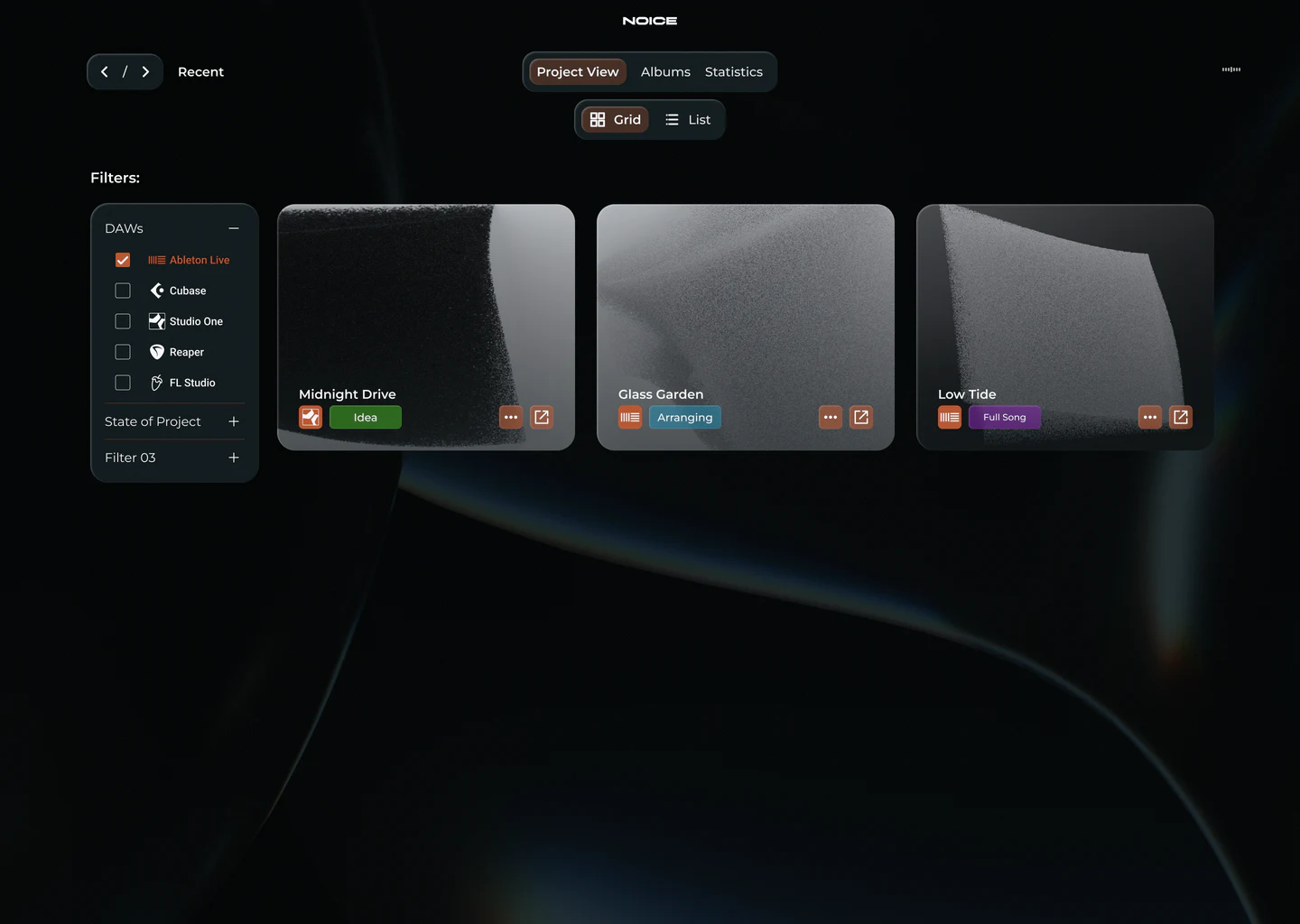
Filter by DAW, state or vibe. That one idea from last summer is two clicks away.
-
250 Hz
Tag it
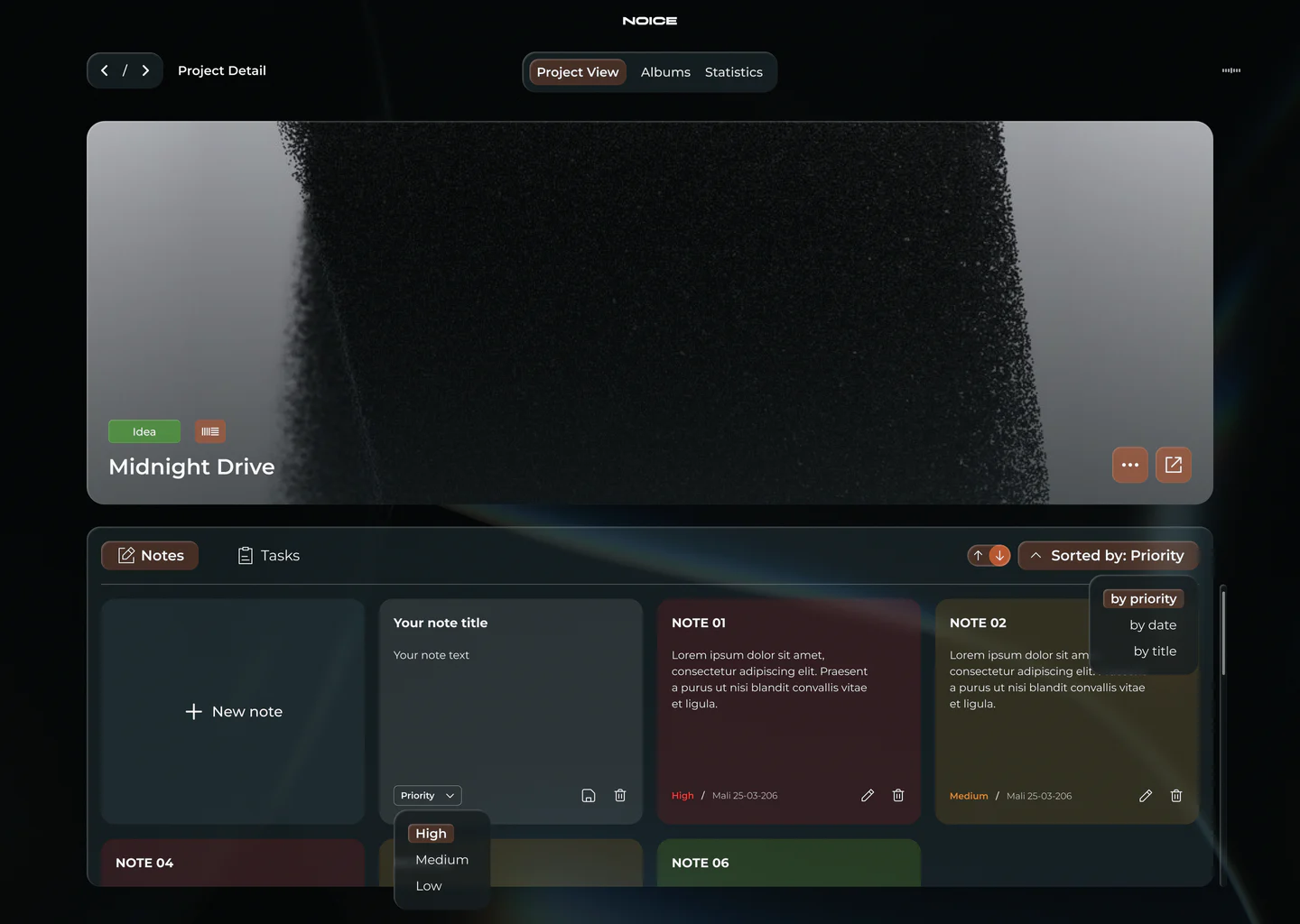
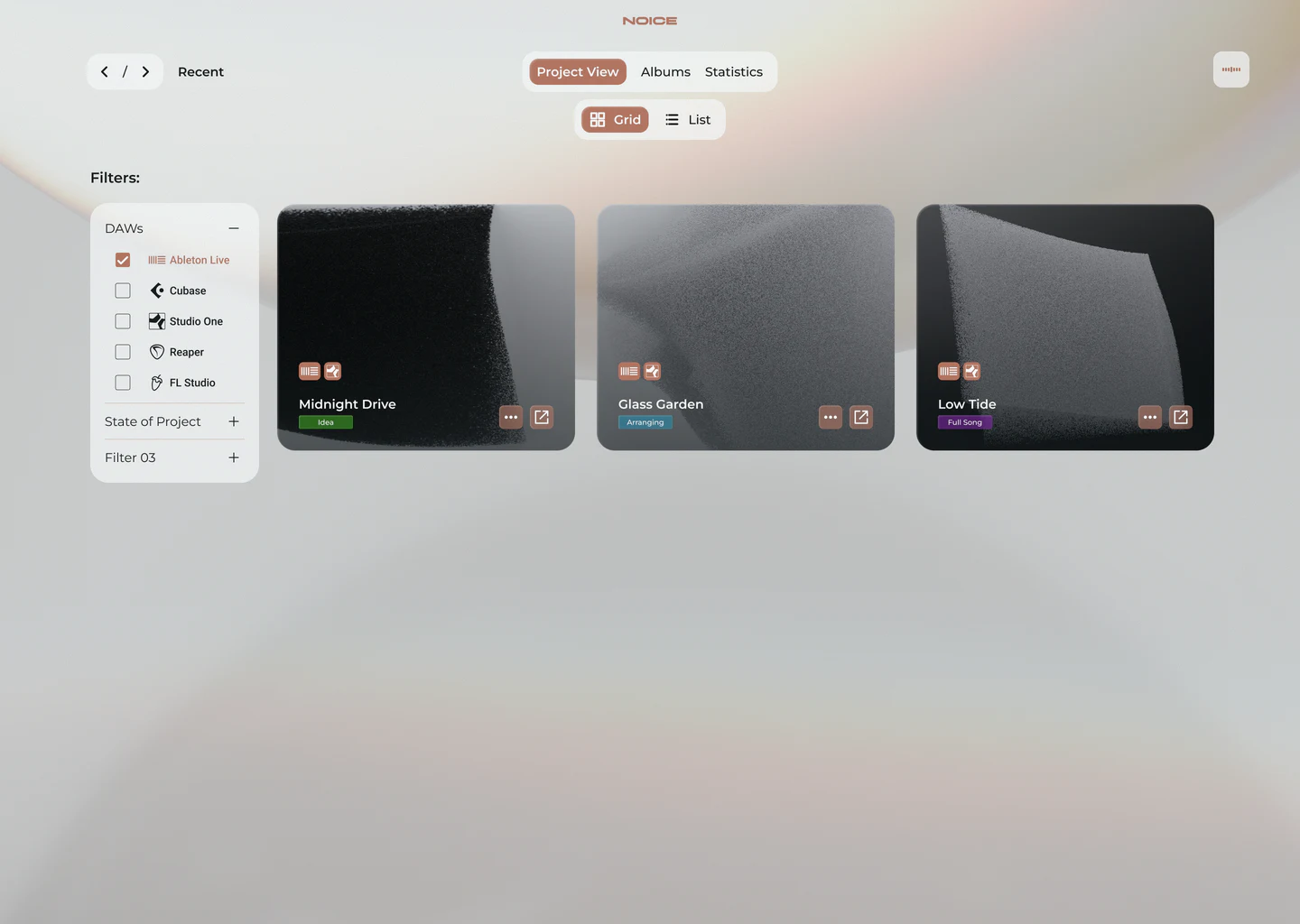
Idea, Arranging, Full Song, Mixed. Know where every track stands at a glance.
-
1 kHz
Hear it
Pre-listen any project straight from the dashboard. No DAW boot, no plugin scan.
-
4 kHz
Track it
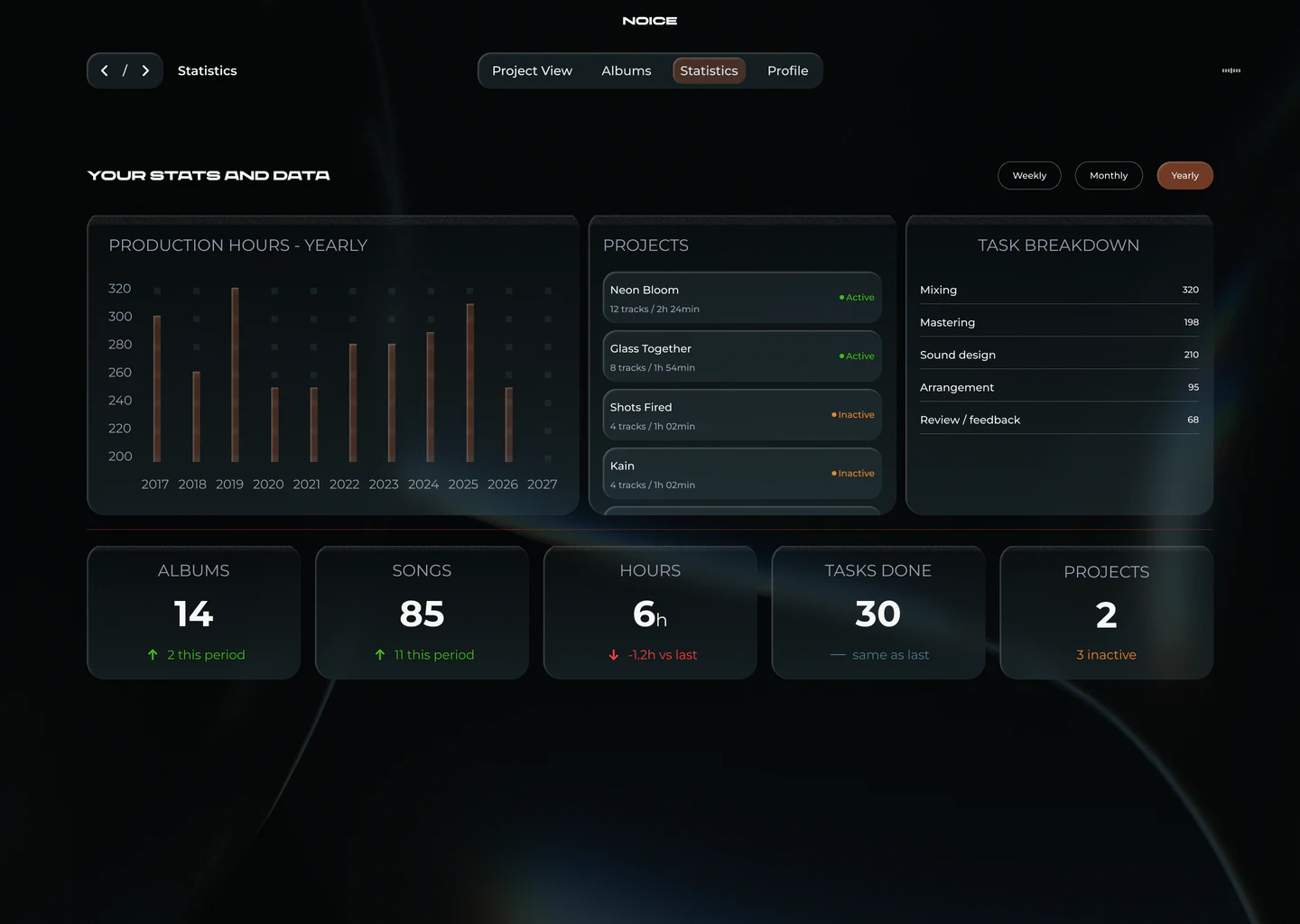
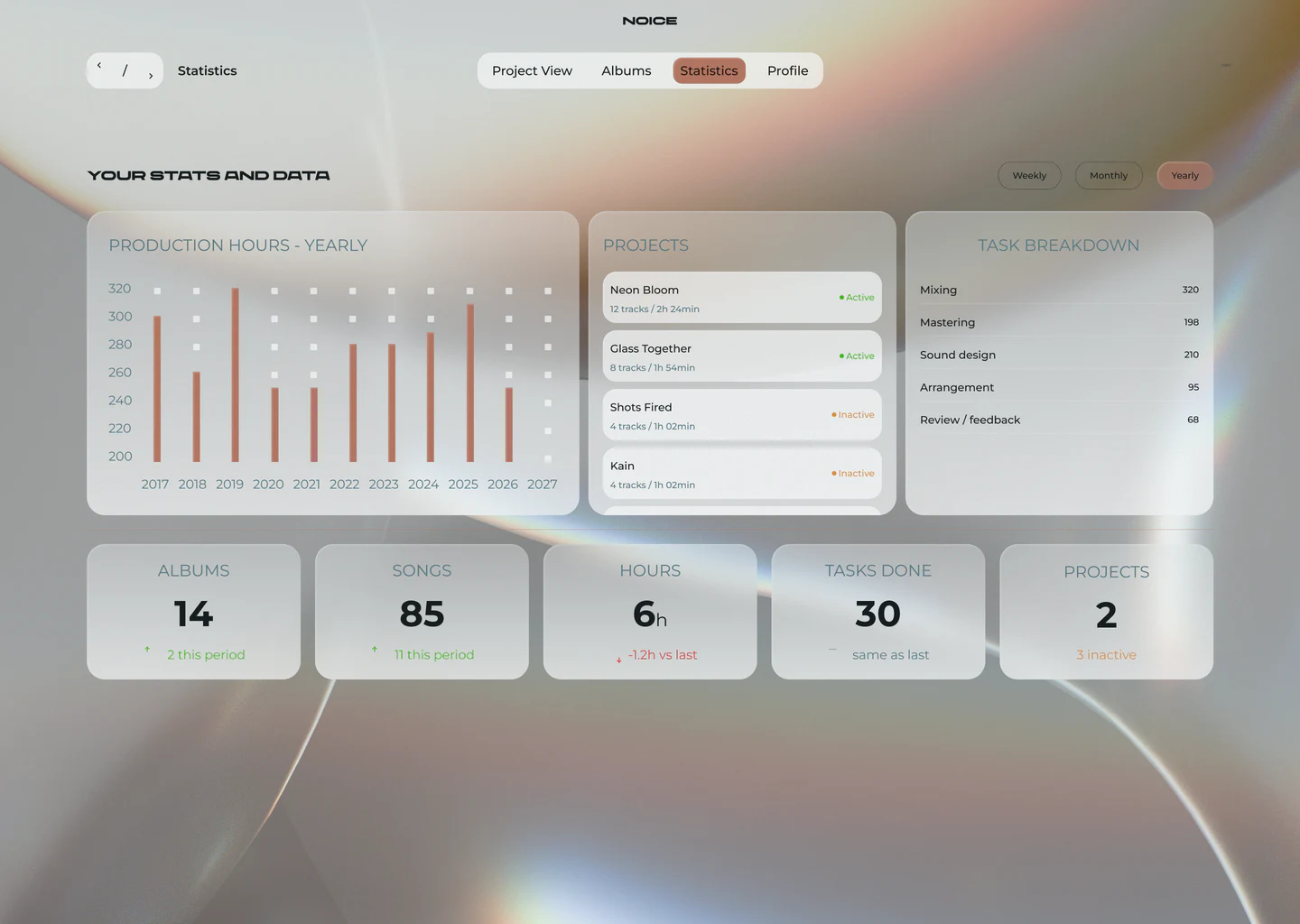
Hours in the zone, songs finished, projects forgotten. Your studio, in numbers.
-
12 kHz
Make it yours
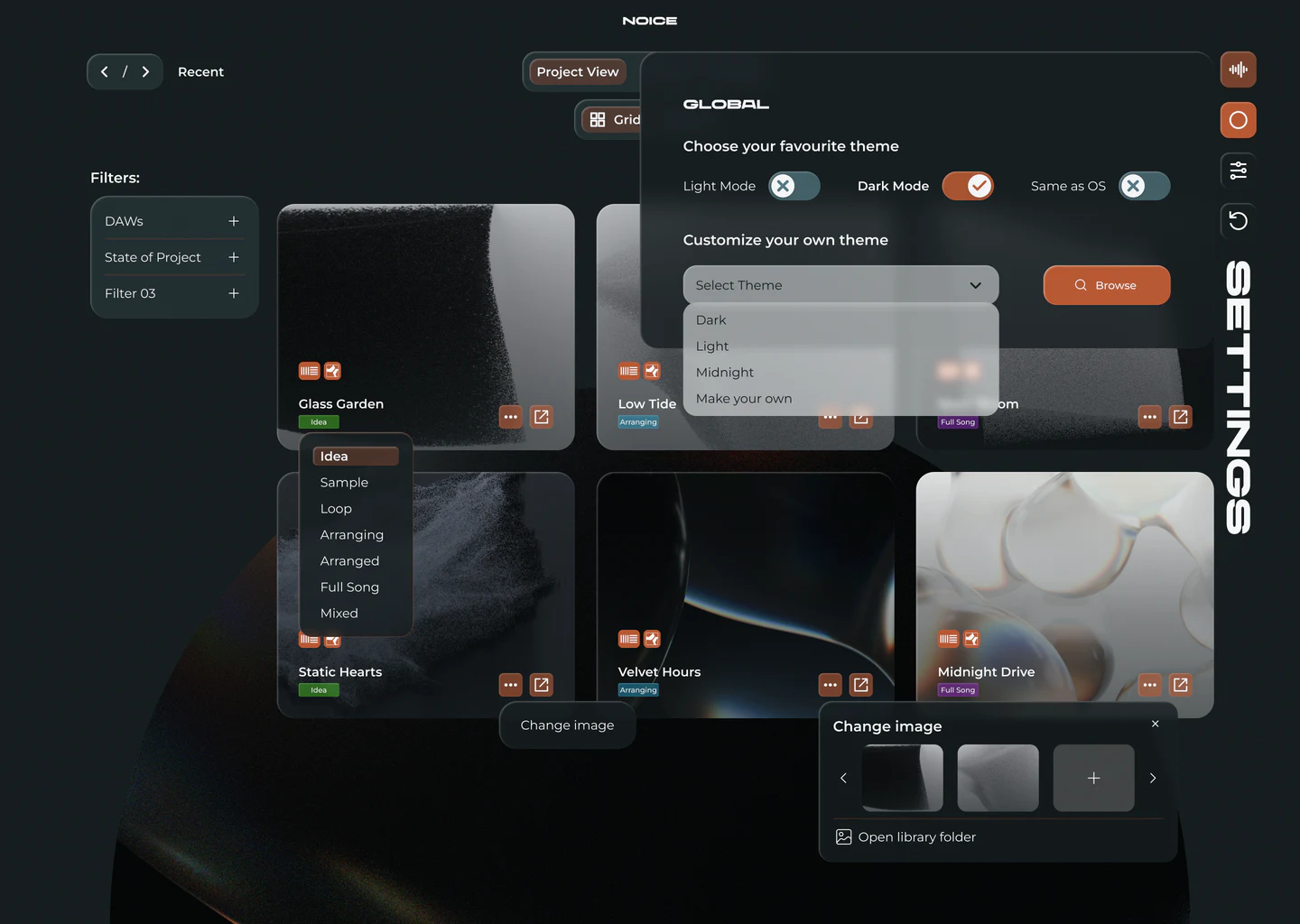
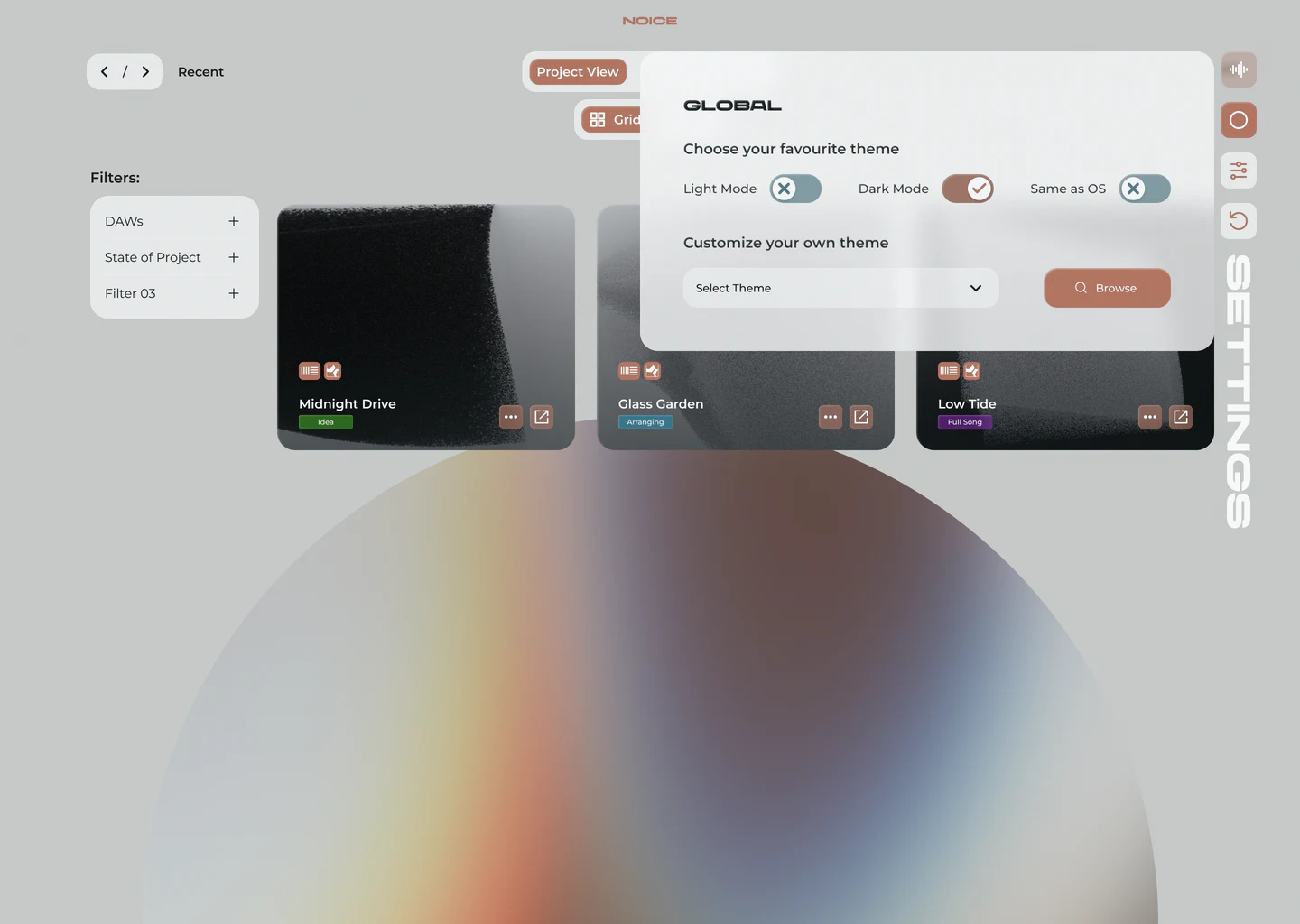
Light, dark or your own theme. Cover art, labels and order — your call.
-
16 kHz
Show it
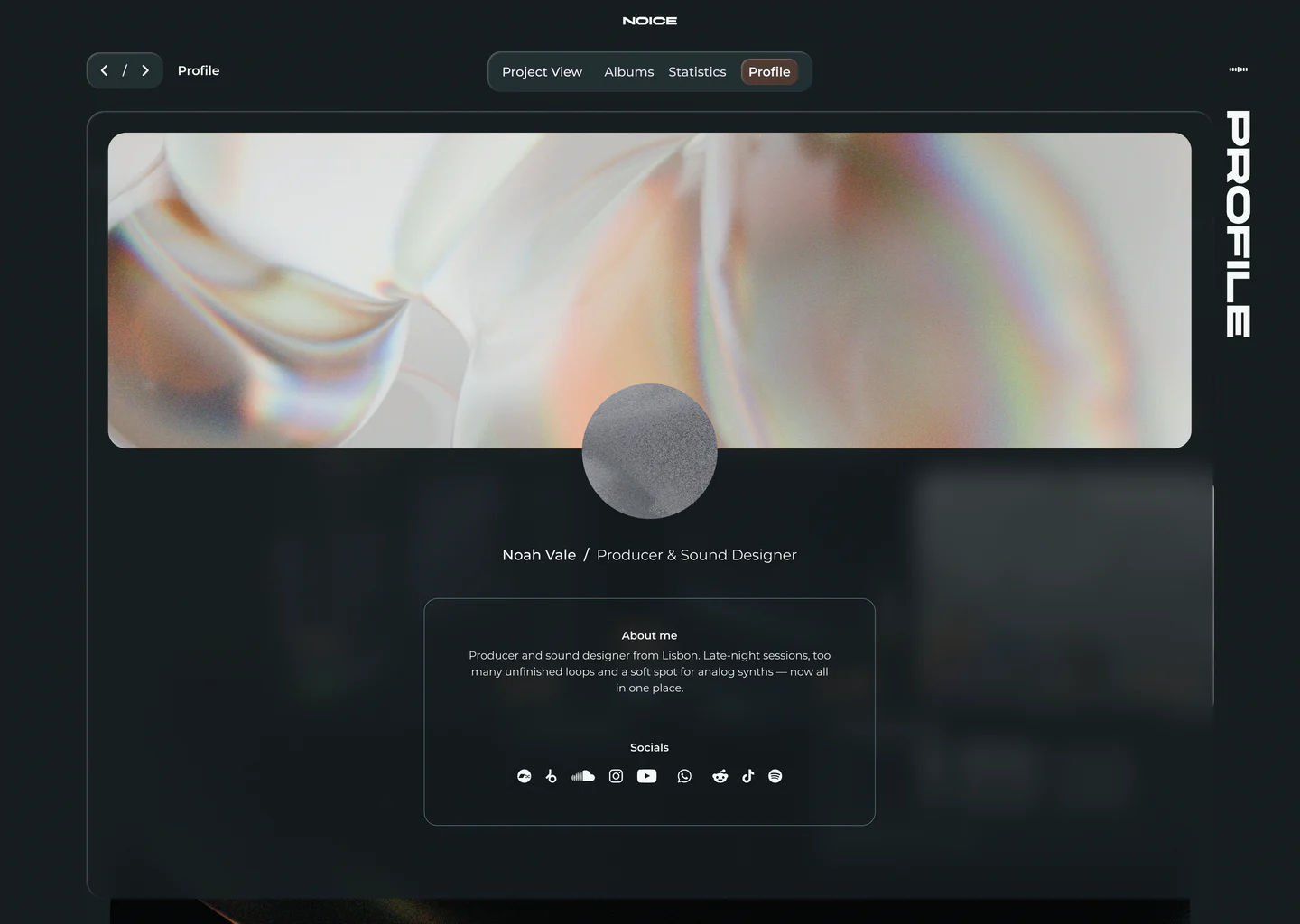
Your producer profile: cover, bio and socials in one place, ready to share.
Judge a beat
by its cover.
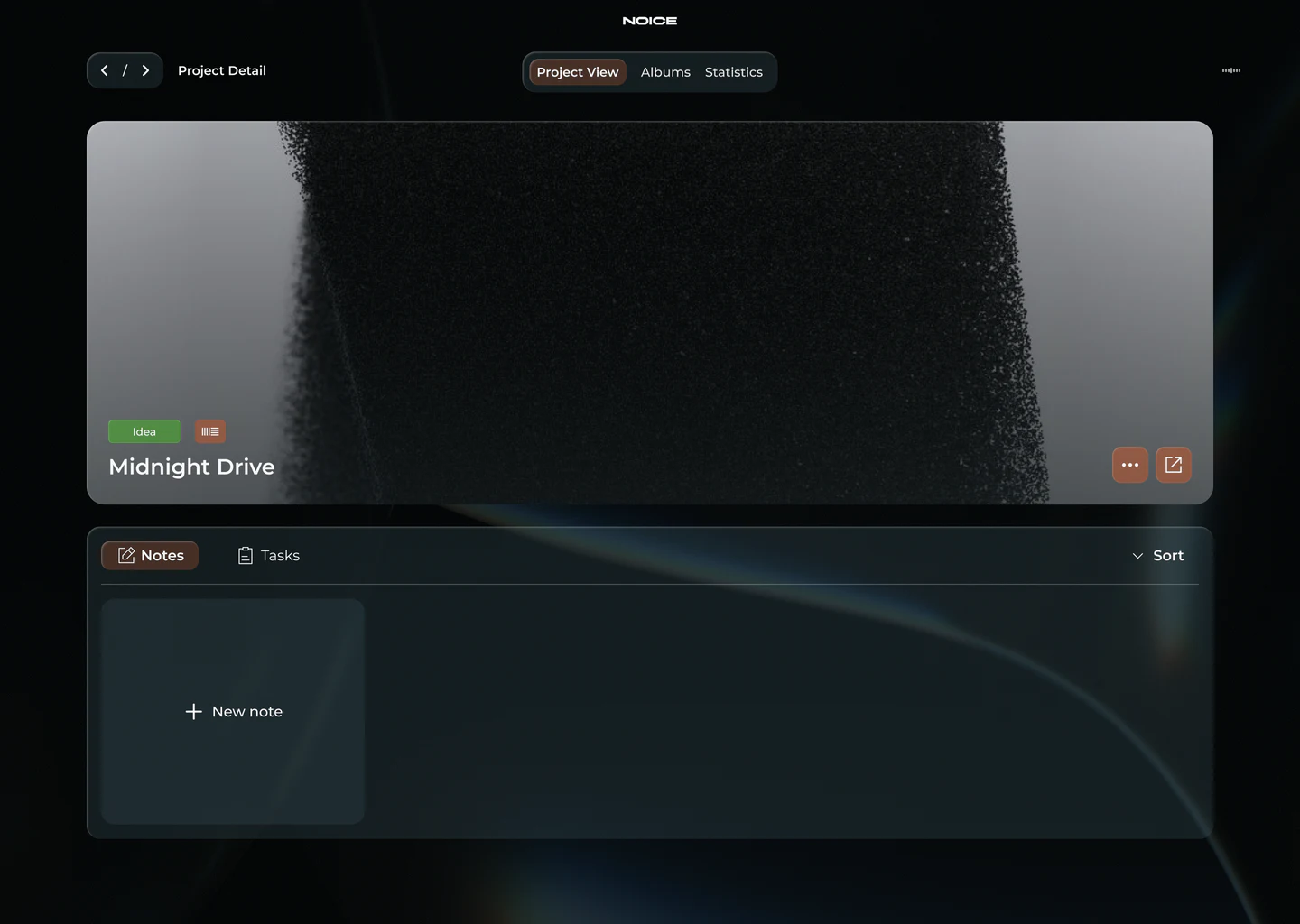
Give every project a face. Pick from the library, drop in your own artwork, swap it in one click — your grid finally looks like your sound.
Try it — pick a cover


Three steps.
Zero chaos.
-
input
Point it at your drive
NOICE scans your folders and finds every project file. Automatically.
-
filter
Make it visual
Cover art, tags, states and emojis — whatever system lives in your head.
-
output
Press play
Preview any beat right from the dashboard. Your DAW stays closed until you're ready.
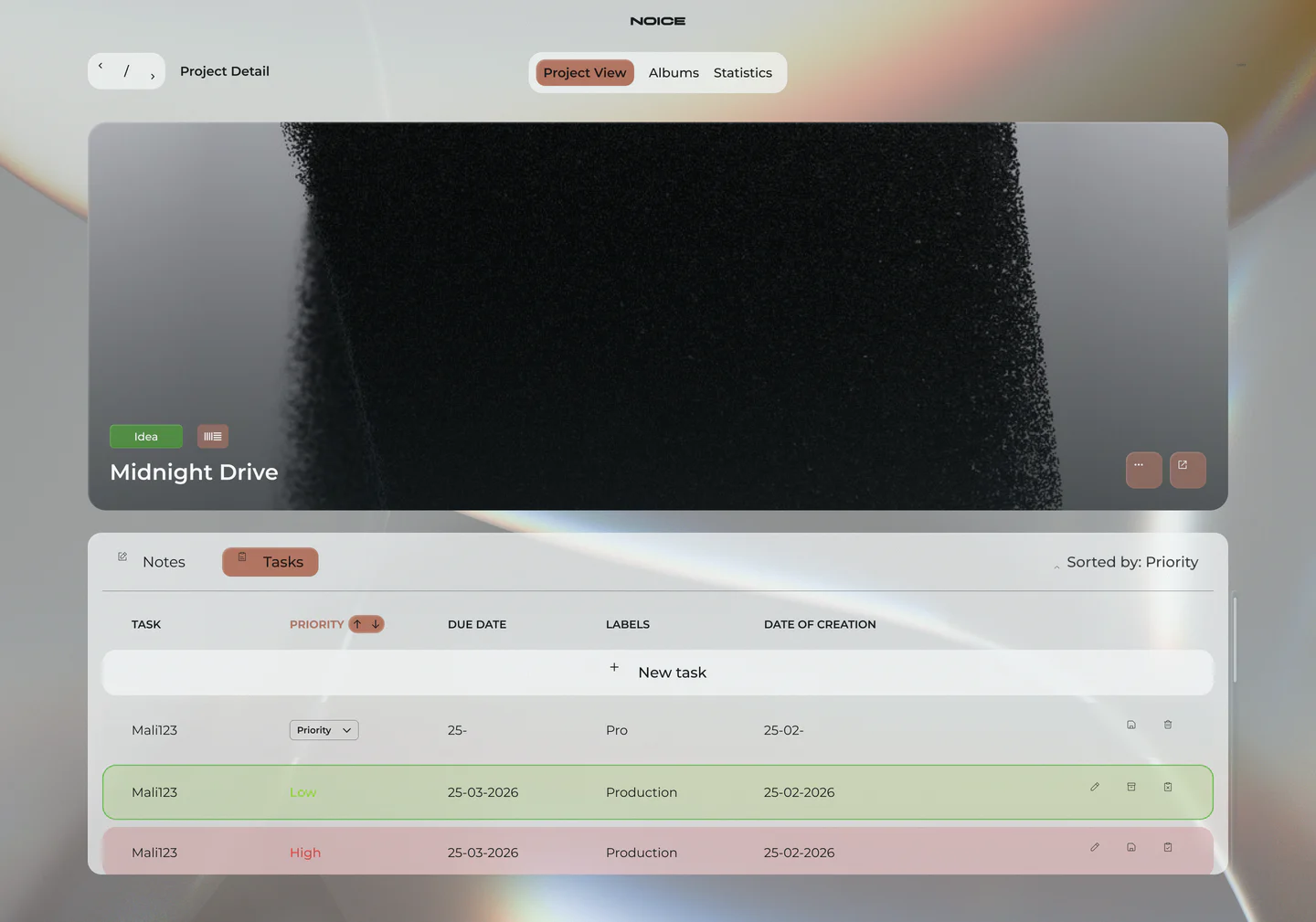
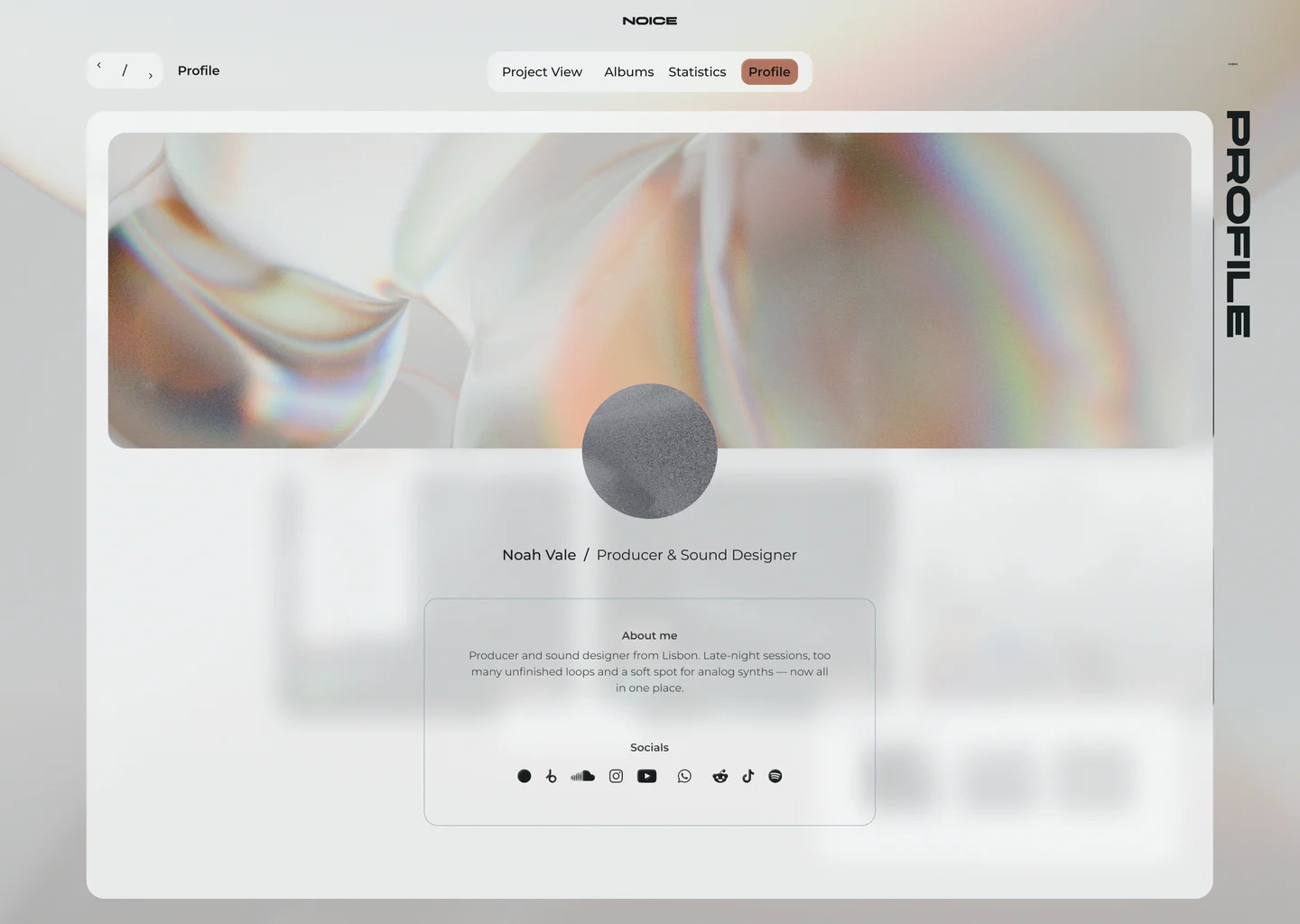
Lights on.
Lights off.
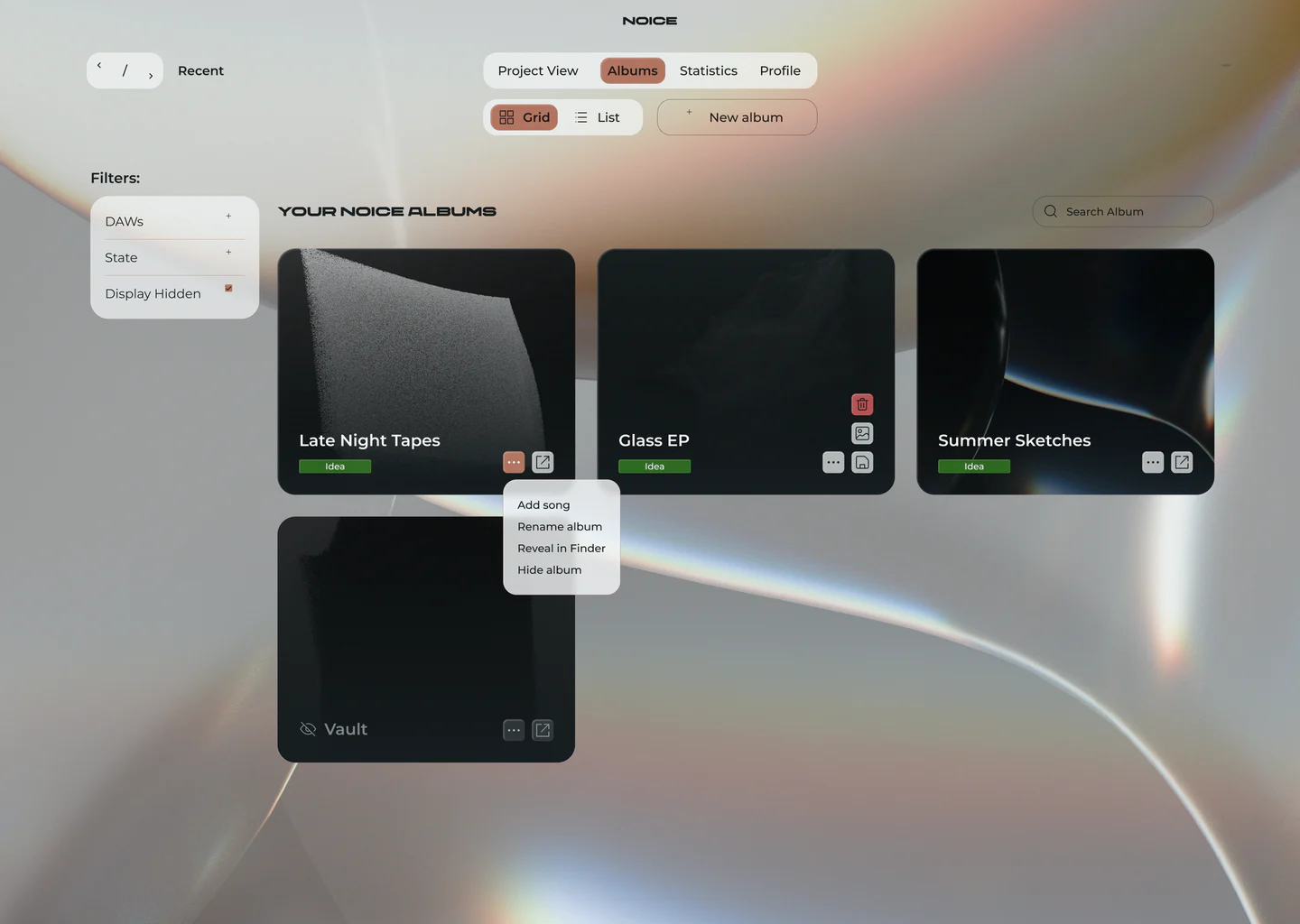
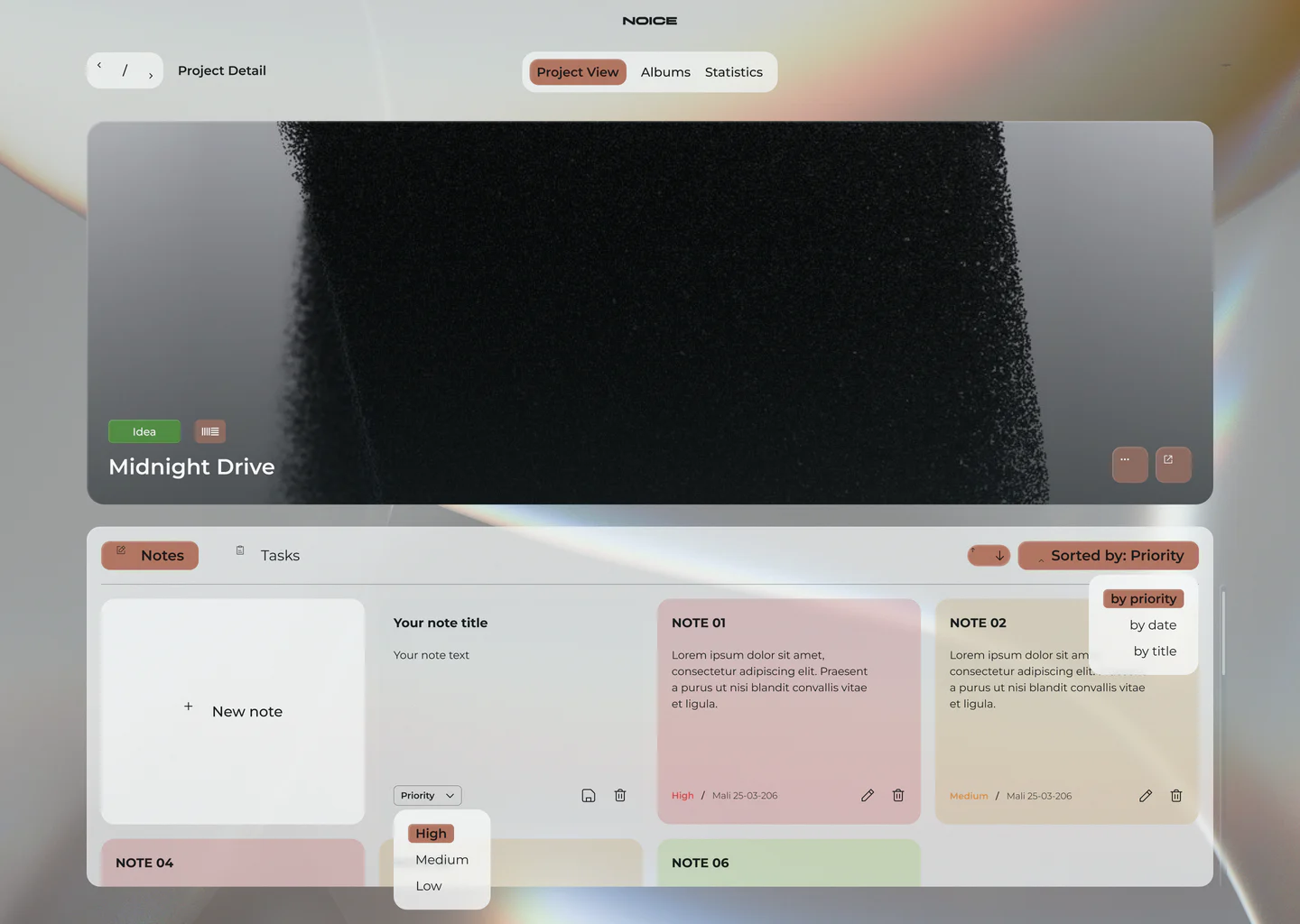
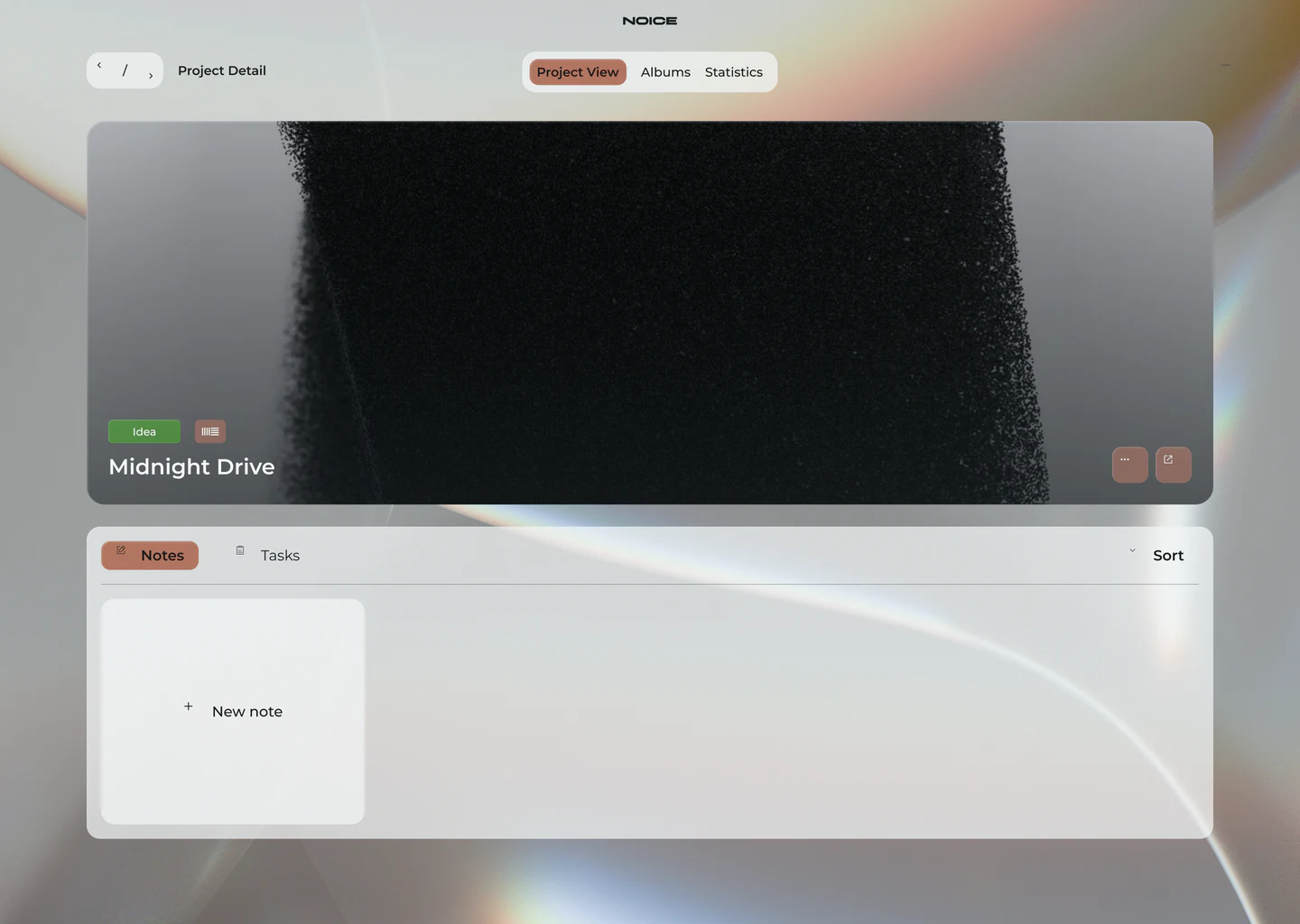
Late-night session or morning bounce — NOICE follows your lighting. Drag the light, or flip the whole site.
Liner notes
Every producer has a hard drive full of forgotten ideas. NOICE brings them back — so your next hit isn't buried in a folder called “final_v7”.
- Designed by
- Luis Mira
- Engineered by
- Mehmet Ali Sahin
- DAWs supported
- 5
- Price
- €0, forever